Table of contents
- Why people compare WPForms and Contact Form 7
- Choose WPForms if setup time matters
- Choose Contact Form 7 for maximum control on a budget
- What to compare beyond the feature list?
- Why price and feature count can mislead you?
- How to match your choice to the site needs?
- When to give up on both and pick something simpler?
- A practical way to decide
- WPForms vs Contact Form 7 – frequently asked questions
Picking between WPForms and Contact Form 7 for lead capture on a WooCommerce site is a common crossroads. Both have solid reputations, but they solve the same problem in different ways, and the choice affects setup time, maintenance, and how the form behaves inside a store. If you look at real stores rather than feature lists, the differences that matter are about workflow, integration with checkout and CRM, and how much time you want to spend wiring things up.
Why people compare WPForms and Contact Form 7
These two plugins are compared because they represent two distinct approaches to building forms: one focused on ease and guided setup, the other on minimalism and flexibility. On WooCommerce sites that need reliable lead capture without breaking the checkout flow, that practical difference becomes important quickly. Store owners and developers weigh them against each other because the wrong form choice can cause lost leads, styling conflicts, or extra work each time a store changes themes or adds extensions.
Choose WPForms if setup time matters
If you want a working lead capture form with sensible defaults in minutes, WPForms usually wins. It gives a visual builder, prebuilt templates that match common use cases, and clearer settings for things like notifications and anti-spam, which means you spend less time in code or hunting through shortcodes. For a store owner who updates products and campaigns often, that speed translates into fewer tickets and faster landing pages tied to promotions.
WPForms also tends to reduce friction when you need conditional fields or multi-step flows linked from a product page. You can create logic without custom hooks, which is practical because conditional questions often increase form completion on product inquiry pages. In day-to-day operations this saves both the initial setup time and the long tail of maintenance when you tweak messaging or add a new field.
Choose Contact Form 7 for maximum control on a budget
Contact Form 7 appeals when you prefer a lightweight plugin that stays out of the way and you don’t mind doing a bit more setup. It’s been around long enough that many themes and builders support its markup, and you can extend it with small plugins or snippets rather than subscribing to an all-in-one solution. For developers who want to keep dependencies minimal, that means less overhead and fewer updates that change behavior.
If you are comfortable with HTML and a small amount of configuration, Contact Form 7 can be the more economical route for basic lead capture. It allows precise control over HTML output and is often less opinionated about CSS or JavaScript, which helps when the store’s theme already has a strict design system you must follow. In practice that can avoid the visual inconsistencies that a heavier form builder sometimes introduces.
See more about my website work.
What to compare beyond the feature list?
Beyond the standard checklist of field types and integrations, look at how each plugin actually plugs into your store’s workflow. That means checking how forms load on product pages, whether they play nicely with your caching setup, and how they behave when a customer opens the cart from an email link. Real compatibility tests reveal practical issues like delays in loading scripts or conflicts with checkout customizations that a simple features table misses.
Also check the maintenance story: how are updates handled, what kind of changelog detail exists, and how easy is it to debug a problem when an email notification stops working. A plugin that offers clear logging or integrates with an SMTP solution will save you hours compared to one that leaves you guessing. The hidden cost of a plugin is often the time you spend later fixing edge cases that appear under load or after adding a payment method.
Why price and feature count can mislead you?
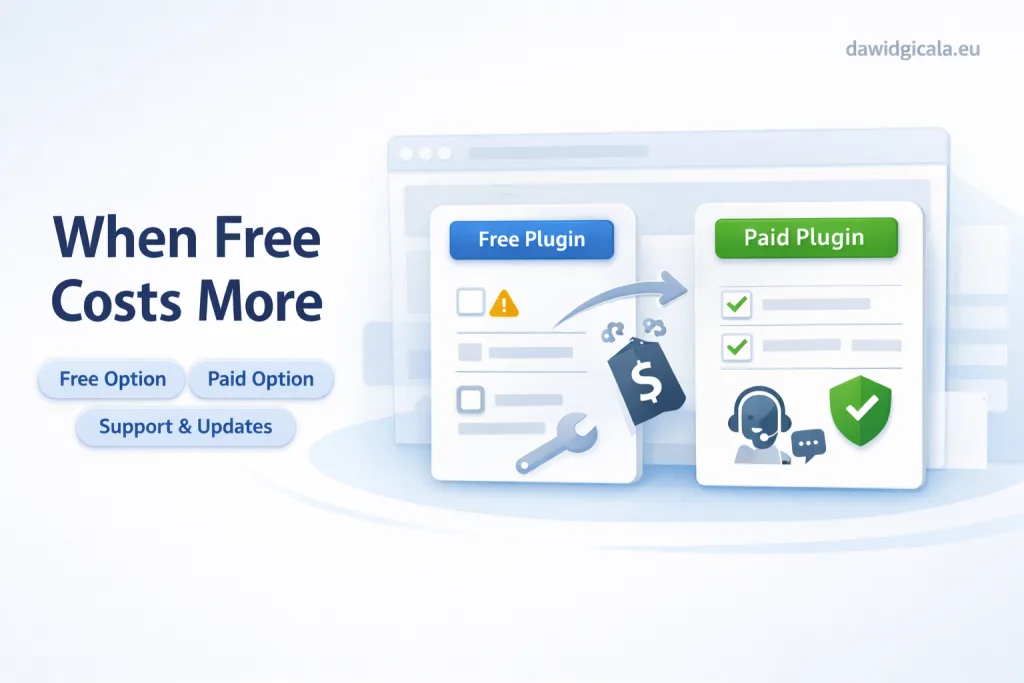
Choosing solely on price or the number of features usually leads to regret because those metrics ignore the operational cost of running the form. A cheap or free plugin might require multiple add-ons, custom snippets, or professional hours to connect it with your store’s CRM and email system, which increases total cost and complexity. Conversely, a paid plugin that seems expensive often packages integrations and support that prevent recurring small problems.
Feature lists also hide quality differences: two plugins may both offer conditional logic, but one might implement it with a clear UI while the other requires hand-coded rules. That difference matters when you need to change the form quickly for a campaign. In practice you should value how easily someone on your team can modify the form over the raw count of features.
How to match your choice to the site needs?
Start by mapping the exact lead flow you need: where forms appear, what fields are required, whether you need file uploads or CAPTCHAs, and which systems must receive the data. If the form needs to trigger actions in the checkout or push data to a CRM without middleware, favor the plugin with reliable direct integrations or a clear webhook interface. That mapping prevents surprises like losing sales because a contact form blocks or delays checkout scripts.
Next consider who will maintain the forms. If a non-technical person must adjust fields and handle incoming leads, pick the easier interface and clearer error handling. If a developer will manage the site and prefers control through templates and code, a lighter plugin that responds predictably to custom markup may be better. Aligning the plugin with the team’s skills reduces friction and lowers long-term costs.
When to give up on both and pick something simpler?
If your lead capture needs are minimal — a single name and email on a contact page and no integrations — both solutions can be overkill, and a simple theme-based form or a basic contact template might be the smarter choice. Choosing a lighter approach reduces the number of plugins that need updates and lessens the chance of conflicts with WooCommerce extensions. For very small shops, reducing maintenance overhead is often more valuable than advanced form features.
A practical way to decide
If you want to move quickly and prefer a visual builder with built-in integrations, WPForms is the pragmatic choice; if you want minimal footprint and don’t mind configuring small extensions or code for integrations, Contact Form 7 fits better. Let the expected frequency of changes guide you: sites that update forms often benefit from a more user-friendly interface, while stable stores that rarely touch form fields can favor the lightweight route. Think about who will operate the form daily and what technical support you’ll realistically have.
Get in touch about your setup.
WPForms vs Contact Form 7 – frequently asked questions
Below you’ll find concise answers to the questions I hear most when people decide between these two plugins for stores. The focus is practical: speed of setup, compatibility with WooCommerce, and maintenance overhead.
Which plugin is easier to set up for a WooCommerce store?
WPForms is generally easier to set up because of its visual builder and templates, which speed up creating a lead capture form that fits into product pages or a contact page. Contact Form 7 can work fine but typically requires more manual configuration and sometimes additional plugins for notifications and styling.
Which one creates fewer conflicts with themes and page builders?
Contact Form 7 is lightweight and often causes fewer visible styling conflicts, but it can still require CSS tweaks to match a theme. WPForms injects more assets for its builder and features, which can occasionally clash, though its integrations and support can make resolving issues faster.
Can both handle conditional fields and file uploads?
Both can handle conditional logic and uploads, but WPForms exposes those capabilities in the UI so non-technical users can add them without code. Contact Form 7 can do the same with additional plugins or shortcodes, which means more setup work and potential compatibility checks on a live store.
Which plugin is better for GDPR and reliable email delivery?
Neither solves GDPR or email deliverability completely on its own, but WPForms often includes clearer options and integrations for consent checkboxes and logging. For email delivery, pairing either plugin with an SMTP solution is recommended to ensure notifications reach your inbox consistently.
Will switching from one plugin to the other break my existing forms?
Switching will require rebuilding forms and reapplying styles because each plugin outputs different markup, so plan the migration during low-traffic hours and export or document fields beforehand. Data collected through submissions can usually be exported, but automations and integration settings need reconfiguration.
Which is cheaper for a small store starting now?
Contact Form 7 can be the cheaper option initially because it’s free, but if you need paid add-ons or a developer to wire integrations, costs add up; WPForms has paid tiers that bundle features and support which can save time and reduce unexpected bills in the long term.
MY SERVICES
Choose the service that fits your project
Choose the area where you need a concrete implementation, better results or further development.
Search engine optimization
Content, landing pages, internal linking and ongoing organic visibility growth.
View SEO servicesWordPress & WooCommerce Websites
New websites and online stores, technical improvements and further development.
View website servicesGoogle Ads | Offer
Campaign setup, management and ongoing optimisation.
View Google Ads servicesSponsored posts and link building
Publications, content and external links matched to your industry and project.
View link building services