Table of contents
- What does slow WordPress really mean and why it matters?
- How slow WordPress happens in real-world websites?
- Why basic optimization does not fix slow WordPress?
- How to fix slow WordPress step by step
- Common mistakes that keep WordPress slow
- How slow WordPress affects SEO, sales, and user experience?
- When slow WordPress becomes a serious business problem
- How to combine performance optimization with SEO and hosting?
- What to do when optimization breaks the website or doesn’t work
- Who should handle slow WordPress optimization and why?
- When slow WordPress requires a full technical audit?
- Slow WordPress – FAQ
A slow WordPress website is one of the most common problems I see in small business sites and online stores. What makes it frustrating is that many owners already tried “everything”: cache plugins, image compression, even a CDN, and the site still feels sluggish. Pages load inconsistently, clicks react with delay, checkout feels heavy, or the admin panel becomes painful to use.
What does slow WordPress really mean and why it matters?
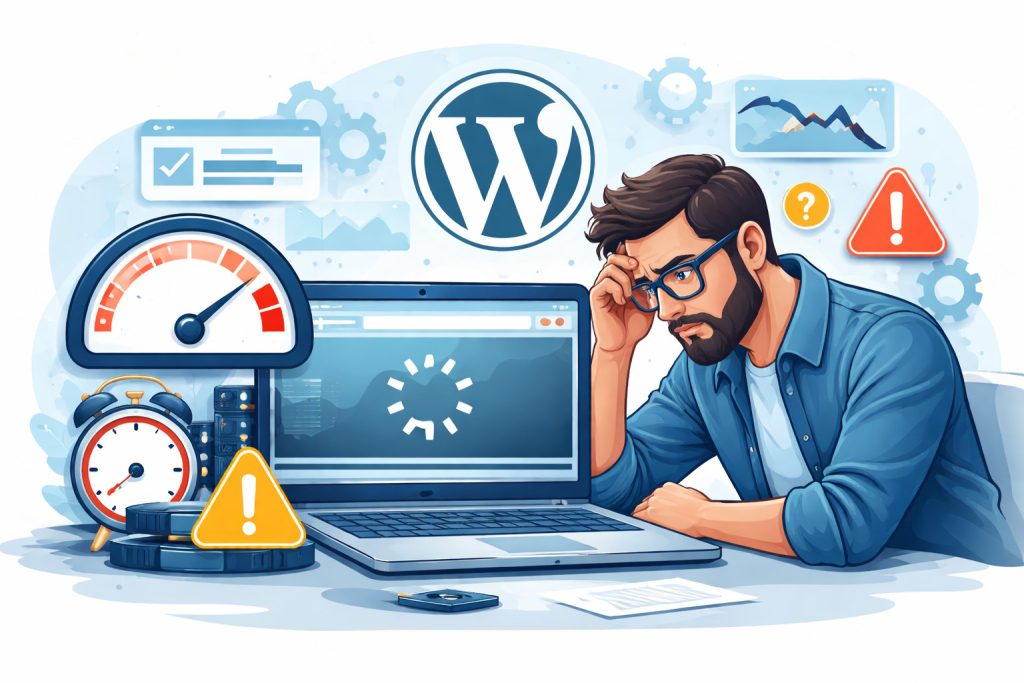
“Slow WordPress” usually means one (or more) of these: the first load takes too long (server/TTFB), the page looks “stuck” before anything appears (LCP), or the site feels laggy when you click, scroll, open menus, or type (INP). Google tracks real-user speed and responsiveness through Core Web Vitals, and INP replaced FID as the interactivity metric in 2024.
For a small business, slow doesn’t only mean “annoying.” It means fewer inquiries, more abandoned carts, worse conversion from paid traffic, and often weaker organic growth, because users bounce before they even see your offer. The painful part is this: you can “optimize” (cache, image compression, minify) and still be slow, because the real bottleneck is somewhere else (hosting stack, database, heavy theme, plugin behavior, or dynamic WooCommerce pages).
How slow WordPress happens in real-world websites?
Most WordPress sites are not slow “everywhere.” They’re slow in specific moments: first visit after cache expires, mobile on 4G, product pages with sliders and reviews, category pages with filters, or the admin panel when editing content. That’s why “it feels slow” can be true even if a speed test sometimes looks fine.
A very common pattern is: caching helps the homepage, but the site still feels heavy because scripts are blocking the main thread. Too many plugins inject extra code, or the database is doing too much work on every request. WordPress platforms themselves point out that plugins can add scripts/styles and database queries that impact metrics like TTFB and LCP.
And if you run WooCommerce, you have an extra twist: key pages (cart/checkout/my account) must stay dynamic and are typically excluded from cache. So you can have a “fast site” and still a “slow store,” because the slowest steps happen exactly where users try to buy.
Why basic optimization does not fix slow WordPress?
Basic optimization is often “front-end first”: cache plugin, image compression, minification, maybe a CDN. Helpful, but it doesn’t solve issues like slow server response (TTFB), heavy database queries, bloated theme builders, or plugin conflicts that trigger expensive work on each page load.
Another reason: many “optimizations” are generic presets. They don’t match your real setup (hosting stack, page builder, WooCommerce, tracking scripts, consent tools). Worse, aggressive caching can break dynamic parts of WooCommerce if the wrong pages are cached. Which forces you to roll back changes and you end up “optimized” but still slow.
Finally, speed today is not only “load time.” Responsiveness matters more than ever: if the site loads but feels laggy (click → delay → visual update), that’s an INP problem. You can minify everything and still fail INP if your JavaScript is heavy or runs at the wrong time
How to fix slow WordPress step by step
Start with the basics, but measure the right way. Run tests for (1) server response time/TTFB, (2) LCP (largest element), and (3) responsiveness (INP). INP is a Core Web Vital (it replaced FID in March 2024), so a site can “load” and still feel slow when people click or scroll.
Next, separate “front-end slow” from “back-end slow.” If TTFB is high, you’re usually looking at hosting stack, PHP workers, heavy database queries, or expensive server-side code. If TTFB is OK but the page still feels heavy, the problem is often JavaScript, too many scripts from plugins, tracking, cookie banners, sliders, or page builders.
Then do targeted troubleshooting instead of random tweaks: identify the slow templates (home vs blog vs product vs category), check what’s different on those pages, and profile plugins/themes (PHP-level profiling tools exist for that). Fix the biggest bottleneck first: one bad plugin, one heavy module, one slow query, one unoptimized hero section can be 80% of the problem.
Common mistakes that keep WordPress slow
The #1 mistake: “installing more optimization” instead of removing the real cause. You end up stacking cache + minify + preload + delay JS, but the site is still slow because the server is struggling (TTFB) or one plugin is generating excessive database queries.
The #2 mistake is optimizing only the homepage. Many sites look fine on the homepage but are slow where it matters: product pages, category pages with filters, search results, and admin panel workflows. If your slowest pages are the ones that generate revenue, your “average score” is basically irrelevant.
The #3 mistake is breaking dynamic pages with caching. In WooCommerce, pages like Cart, Checkout, and My Account should not be cached in your caching plugin settings, otherwise you risk weird behavior, login issues, or cart problems, and you’ll waste time rolling changes back.
How slow WordPress affects SEO, sales, and user experience?
On the SEO side, performance is part of overall page experience, and Core Web Vitals are evaluated based on real-user data (field data) where available. If your site is slow for real visitors (not just in lab tests), it can drag down perceived quality and user engagement signals, and you’ll feel it as weaker growth even if your content is good.
On the business side it’s simple: slow pages lose attention. People abandon forms, quit checkout, don’t scroll to your offer, and don’t come back. And if the site is “laggy” (INP), users feel it instantly – clicks don’t respond, menus stutter, filters take forever, so they bounce even when the page technically loads.
When slow WordPress becomes a serious business problem
Slow WordPress stops being a “technical issue” when it starts blocking growth. This usually happens when traffic increases (SEO finally works, ads bring more users) but the site can’t handle it smoothly. Pages load inconsistently, the admin panel lags, edits take forever, and publishing or updating products becomes frustrating and slow.
Another red flag is when speed issues directly affect money-pages: product pages, category listings, forms, checkout, booking steps. If those pages are slow, users don’t complain, they just leave. At that point, every extra second costs you leads, orders, and trust, even if the rest of the site looks “okay.”
How to combine performance optimization with SEO and hosting?
Performance, SEO, and hosting should work together, not as three separate “tasks.” Hosting affects server response time, SEO affects how pages are built and loaded, and performance optimization decides what runs, when, and for whom. If one of these is weak, the others can’t fully compensate.
A good setup usually means: hosting that can handle real traffic peaks, SEO that avoids unnecessary page bloat (thin templates, sensible structure), and performance tweaks tailored to your actual pages, not generic presets. When these three are aligned, WordPress feels fast not only in tests, but in everyday use.
What to do when optimization breaks the website or doesn’t work
First rule: stop stacking fixes blindly. If optimization breaks layouts, cart behavior, logins, or scripts, roll back to the last stable version. A “slightly slower but stable” site is always better than a broken fast one. Then isolate changes one by one instead of guessing.
If optimization doesn’t work at all, that’s usually a signal that the bottleneck is deeper: server configuration, database load, theme architecture, or a specific plugin. At this stage, guessing wastes time. You need proper diagnosis, checking slow queries, scripts, templates, and real user behavior, not another cache toggle.
Who should handle slow WordPress optimization and why?
If your site is a simple brochure page with a few subpages, you can often fix a lot with sensible basics: lighter images, fewer plugins, clean theme settings, and a good cache configuration. But when the website is your sales channel (services, leads, WooCommerce), performance becomes a “system” problem – hosting, theme, plugins, database, tracking scripts, and SEO all interact. That’s why slow WordPress optimization is usually best handled by someone who can look at the whole stack, not just install another plugin. The goal is not a perfect PageSpeed score. The goal is a fast, stable site that works reliably for real users and doesn’t break after updates.
When slow WordPress requires a full technical audit?
You typically need a full audit when speed problems keep coming back, or when the site is slow only in specific places (product pages, filters, admin panel, checkout) and basic optimization doesn’t move the needle. Another clear sign is a high server response time (TTFB) or random “good/bad days”, this often points to hosting limits, PHP worker issues, database load, or background tasks.
A proper audit checks what actually happens during a page load: which scripts block the page, which plugins add heavy queries, where the biggest layout element is coming from, and what users experience on mobile. This is the difference between “trying things” and fixing the real cause.
Slow WordPress – FAQ
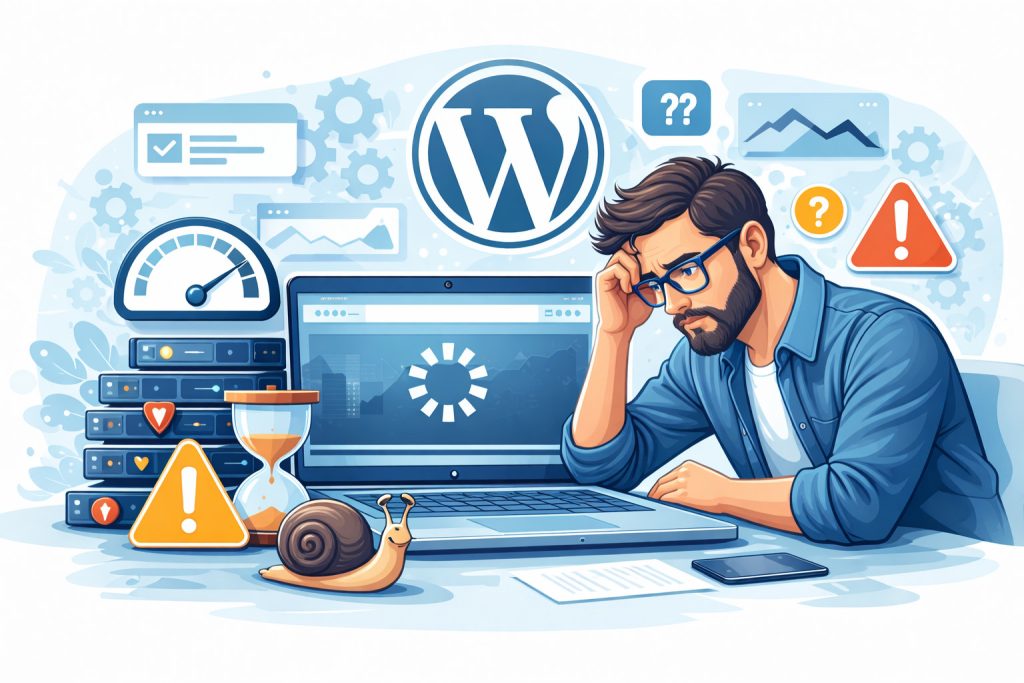
Most people deal with slow WordPress the same way: they install a cache plugin, compress images, and still feel the site is sluggish. The reason is usually hidden in one specific bottleneck, hosting limits, database load, heavy scripts, or dynamic WooCommerce pages. Here are the most common questions I get.
Why is slow WordPress still slow after caching?
Because caching mainly helps repeat/static loads. If TTFB is high, scripts are heavy, or key pages can’t be cached (like WooCommerce checkout), it will still feel slow.
Can too many plugins cause slow WordPress?
Yes — not by the number alone, but by what they do: extra scripts, database queries, cron tasks, and third-party requests.
Does Elementor make slow WordPress inevitable?
Not inevitable, but common. Elementor can add DOM and scripts. With a heavy theme and many widgets, pages often become bloated unless you optimize smartly.
Why is WooCommerce fast on the homepage but slow in checkout?
Checkout/cart pages are dynamic and usually excluded from cache. If hosting/database is weak or scripts are heavy, the slowest part will show exactly there.
What’s the fastest way to identify the real bottleneck?
Check TTFB, then test the slowest templates (product/category/checkout). Compare with a clean page. Often one plugin or one feature stands out quickly.
Should I switch hosting to fix slow WordPress?
Sometimes yes — especially when TTFB is high or performance varies by traffic. But many issues are theme/plugin/database related, so hosting alone may not solve it.
What results should I realistically expect after fixing slow WordPress?
Typically: faster loading and better “feel,” fewer bounces, better conversion from ads, smoother checkout, and more stable SEO growth over time.
MY SERVICES
Choose the service that fits your project
Choose the area where you need a concrete implementation, better results or further development.
Search engine optimization
Content, landing pages, internal linking and ongoing organic visibility growth.
View SEO servicesWordPress & WooCommerce Websites
New websites and online stores, technical improvements and further development.
View website servicesGoogle Ads | Offer
Campaign setup, management and ongoing optimisation.
View Google Ads servicesSponsored posts and link building
Publications, content and external links matched to your industry and project.
View link building services