Table of contents
- Why send form submissions straight to your CRM
- How to spot if automation is necessary?
- A typical lead workflow you can expect in practice
- What to prepare before you press the go button?
- How CRM Webhook Integration typically unfolds?
- Where integrations commonly go wrong
- When a manual approach is actually better?
- Quick decision check to move forward
- CRM Webhook Integration – frequently asked questions
Connecting a WordPress contact form to your CRM with webhooks and no-code automations solves a simple problem: the data you collect on the site needs to get where people work without manual copying. When done right, the integration trims response times, reduces data entry mistakes and keeps lead records consistent. Done poorly, it creates duplicates, misses consent rules or sends incomplete records to sales. The balance is about clear data mapping, predictable error handling and realistic expectations about what automation can and cannot replace.
Why send form submissions straight to your CRM
Sending contact form entries directly to a CRM reduces friction between marketing and sales by turning captured interest into a usable record immediately, so someone can follow up while the lead is still warm. It also creates an audit trail of interactions tied to a contact, which helps measure campaign performance and prevents leads from falling through the cracks when multiple people handle inbound messages. For many small teams the biggest wins are faster replies, fewer transcription errors and a single place where status and notes live.
How to spot if automation is necessary?
If you or your team spends more than a few minutes per lead copying details from form notifications into the CRM each day, that is a clear sign automation can save time and reduce errors. Another signal is inconsistent records — missing phone numbers, incorrectly tagged sources or repeated manual fixes — which show that a predictable mapping from form fields to CRM properties is missing. If lead volume is low and manual entry is working smoothly, automation may simply add overhead rather than value.
Also watch how often forms change. If you update fields or add new campaign-specific inputs weekly, an automated flow that requires manual remapping after every change becomes a maintenance burden. On the other hand, if your form structure is stable and you need reliable routing, assignment and enrichment, a webhook-based no-code integration will deliver consistent results without turning into a constant engineering task.
A typical lead workflow you can expect in practice
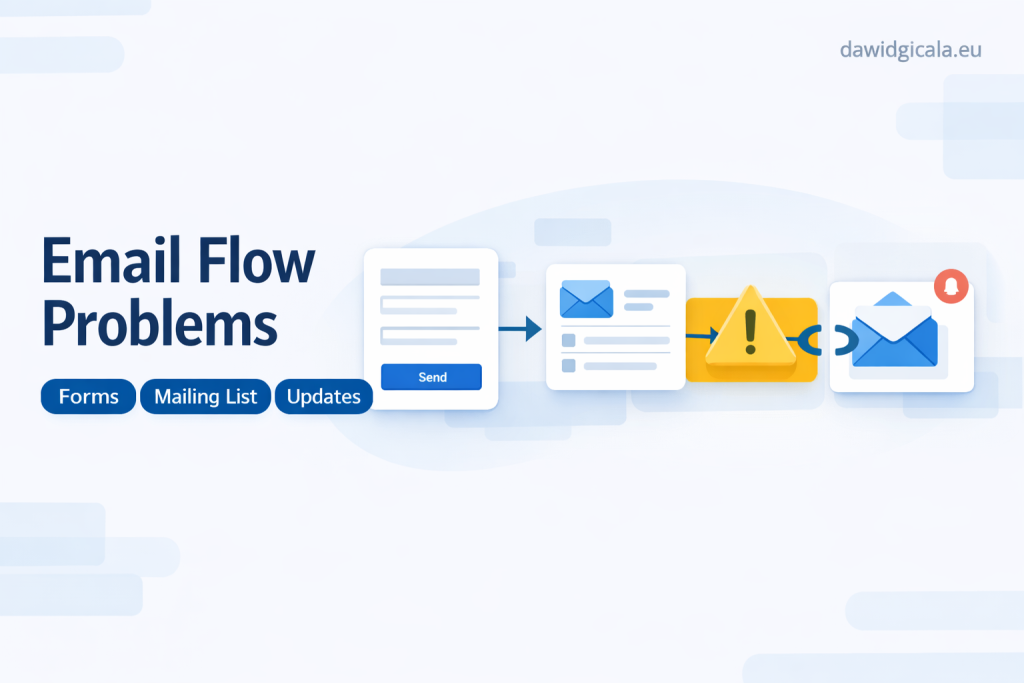
Most practical integrations follow a short chain: the user completes a form, the form sends a webhook with the payload, a no-code automation platform receives and transforms the data, and the automation creates or updates a CRM record while triggering any follow-up actions. Those follow-ups usually include assigning an owner, adding tags or origin information, and optionally sending a notification to a team channel or an auto-reply to the lead. That flow keeps the lead lifecycle clear — from capture to contact attempt — and preserves context so anyone who touches the record later understands its origin.
In real implementations the focus is on mapping important fields reliably, handling duplicates gracefully, and recording consent for communications. You should expect to test variations of the payload, confirm the CRM creates a usable lead with the right fields, and ensure notifications go to the right person or team role rather than to a single inbox that creates bottlenecks.
See more about my website work.
What to prepare before you press the go button?
Start by documenting the data you actually need in the CRM: which fields are mandatory, which are optional, and which are used only for segmentation or analytics. Define a canonical naming convention for fields and tags so that when the webhook sends values there is no ambiguity about where they land. If the form collects consent or GDPR-related choices, prepare exact language and storage rules so those pieces of information are preserved in the CRM alongside the lead record.
Also set a clear expectation for who will own the results: who monitors failed deliveries, who handles duplicates, and who follows up with cold leads. Prepare test data and a staging form to simulate real submissions, and arrange short acceptance tests with the people who will use the CRM so they can confirm the records meet their needs before the integration goes live.
How CRM Webhook Integration typically unfolds?
In practice you begin with a minimal mapping: only send the fields you actually use for routing and follow-up, not every hidden or debug field the form might produce. The no-code automator receives the webhook, normalizes values (for example, standardizing phone number formats or merging first and last name into a single display name), and then either creates a new contact or updates an existing one based on the matching logic you choose. That normalization step is where you prevent poor quality data from entering the CRM.
The next part is routing and notification: add logic that assigns leads to teams based on campaign, region or volume, and set up a lightweight notification so an assignee knows a new lead arrived without relying solely on email. Finally, include fallback handling for failures — a retry strategy and a logging location where failed payloads are visible and can be retried or inspected manually without hunting through email chains.
Throughout this process keep configuration minimal and reversible. If you add enrichment steps, like appending lead source or scoring, make those optional so you can turn them off if they introduce unexpected side effects. Logging and visibility will save hours when something needs adjustment, so prioritize clear logs over clever one-off rules.
Where integrations commonly go wrong
One frequent failure is mismatched field expectations: the CRM expects a date in one format, the form sends another, and records are created with empty or incorrect values. Another common issue is duplicate records created when the matching logic is too weak or when the automation isn’t checking for existing contacts by email or phone. Both problems are easy to prevent with explicit mapping and matching rules defined before launch.
Plugin conflicts and rate limits can also break a flow. WordPress plugins that modify form behavior or block certain requests may alter the webhook payload, and some CRMs enforce limits on API calls that lead to dropped events during traffic spikes. Monitoring delivery status and limiting the automation footprint per submission reduces the risk and makes issues visible quickly so they can be fixed without data loss.
When a manual approach is actually better?
If you receive only a handful of leads per month and each one requires a careful human review, automating the whole process can be premature and create extra work maintaining mappings. Similarly, when the sales process relies on nuanced judgment that can’t be translated into tags or scoring, a simple notification workflow that pings a person to review and create the record manually may be more reliable. The goal is to automate repetitive tasks, not to replace decisions that need human context.
Another time to avoid automation is when your form or CRM setup is changing frequently — constant schema updates mean constant integration rewrites. In that case a temporary manual handoff or a very small, constrained automation that handles only the most stable fields will keep things moving without consuming maintenance time that could be better spent refining the process.
Quick decision check to move forward
If your team spends recurring time copying leads, if data errors are common, and if you can define stable field mappings for the next three months, the integration is likely worth implementing; if the lead volume is tiny or the form spec keeps changing, keep the process manual until things stabilize. Think of an integration as a durable piece of your process: if you wouldn’t want to revisit it monthly, build it with durability in mind. If you can answer who owns failed deliveries, what fields are essential and how duplicates are handled, you already have the essentials to proceed.
Get in touch about your setup.
CRM Webhook Integration – frequently asked questions
Below are practical answers to the questions I get most often when people consider connecting their WordPress forms to a CRM with webhooks and no-code automation. These focus on common obstacles, required fields and basic testing you should perform before going live.
How do I prevent duplicate leads from being created?
Use a consistent matching rule in the automation, usually based on email or phone. Configure the automation to check for an existing record before creating a new one and decide how to merge or append data when a match is found.
What do I do when form submissions fail to reach the CRM?
Implement logging in your automations and a retry policy for transient errors. Route failures to a monitored inbox or a simple dashboard so someone can inspect the payload and reprocess it manually if needed.
Can I include consent details from the form in the CRM?
Yes, include consent fields explicitly in the mapping and store the timestamp and consent text if required. Make sure those fields are immutable or versioned so you maintain an auditable record of permissions.
How should I test the integration before it goes live?
Create a staging form and submit a variety of test payloads including edge cases, missing fields and malformed data. Verify that records are created correctly, notifications reach intended recipients and failures are logged for inspection.
Is it safe to use no-code tools for sensitive lead data?
No-code platforms can be safe if you choose vendors with proper security practices and you limit the data you send to only what is necessary. Always review data storage and retention policies and avoid sending highly sensitive information unless protected by encryption and access controls.
How often should I review the integration after launch?
Check logs and delivery success weekly for the first month, then move to a monthly audit unless your lead volume or form structure changes frequently. Regular reviews catch drift in data formats, field usage and routing logic before they become problems.
MY SERVICES
Choose the service that fits your project
Choose the area where you need a concrete implementation, better results or further development.
Search engine optimization
Content, landing pages, internal linking and ongoing organic visibility growth.
View SEO servicesWordPress & WooCommerce Websites
New websites and online stores, technical improvements and further development.
View website servicesGoogle Ads | Offer
Campaign setup, management and ongoing optimisation.
View Google Ads servicesSponsored posts and link building
Publications, content and external links matched to your industry and project.
View link building services