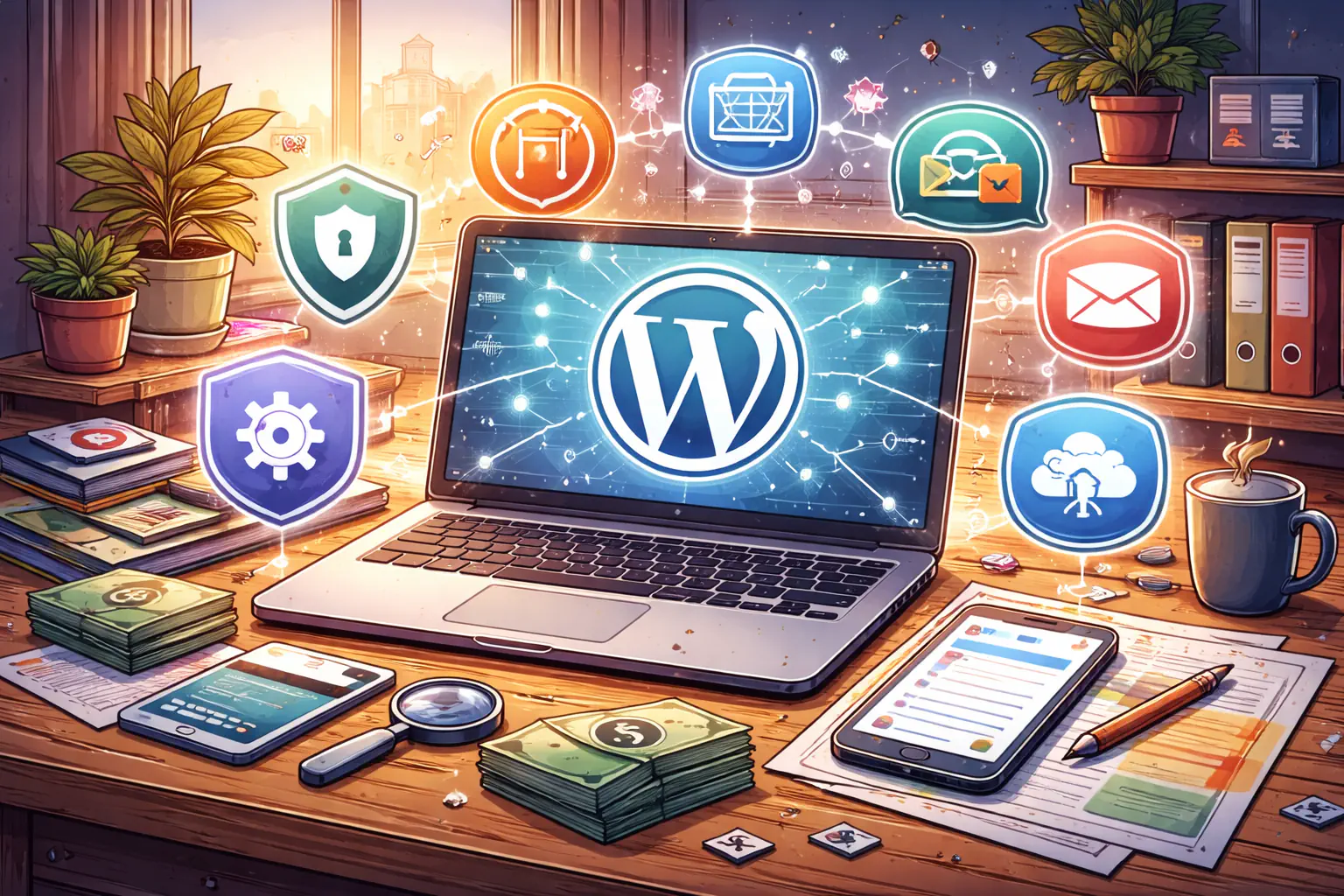
How to build a website yourself? Creating your own website might sound difficult at first, but in reality, it’s easier than most people think. With the right tools and a clear plan, you can build a professional, fast, and fully functional website – even if you’ve never done it before. Whether you’re a freelancer, a small business owner, or simply want to learn how to manage your online presence, doing it yourself gives you freedom, flexibility, and real understanding of how everything works.
Instead of paying thousands for something you can learn step by step, you’ll see how to start smart, avoid costly mistakes, and make your website look and perform like a professional one.
What does building a website yourself really mean – and why it matters?
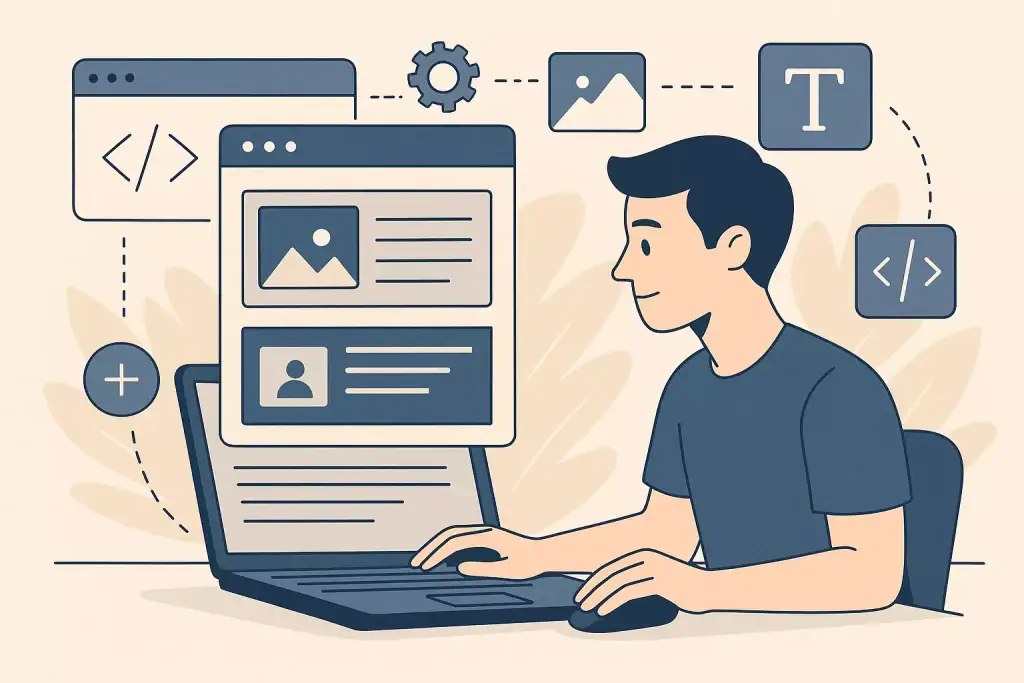
Building a website yourself means taking control of the entire process: from choosing hosting and domain, through design and content, to launching and maintaining it – without relying entirely on a developer. You’ll use tools like WordPress, page builders (Elementor, Divi), or website platforms (Wix, Squarespace) that don’t require (or require minimal) coding knowledge.
Why is this worth considering? Because businesses today need agility, cost control, and understanding of their online presence. If you can build your own site, you save on development fees, adapt quickly to changes, and truly understand how your site works.
How it works in practice – from idea to live website
First, you pick your domain name (your address on the web) and choose a hosting provider (server space). Many hosts offer “one-click” WordPress install, which simplifies the technical setup. After installation, you pick a theme or template that gives you the basic design and layout.
Then comes the content structuring: you create key pages (Home, About, Services, Contact), set navigation menus, and add text, images and media. With a page builder or block editor, you adjust sections, layouts, and styles – without hand-coding.
Finally you test your site on various devices (desktop, tablet, mobile), optimize loading speed, fix broken links, and then publish it live. Afterwards you’ll monitor uptime, backup data, and update your site regularly.
Why it’s worth building a website yourself
First, cost savings. Hiring a developer or agency can be expensive, especially for small businesses. When you build your own site, you invest time instead of large fees.
Second, full control & flexibility. You decide on design changes, content updates or new features – immediately, without waiting on someone else. This speed and autonomy are invaluable in a fast-changing online environment.
Step-by-step guide – how to build your own website?
Creating your own website doesn’t have to be complicated – the key is to move step by step. Start by choosing a short, memorable domain name and a reliable hosting provider. This is your site’s foundation, so don’t go for the cheapest option – stability and support are far more important. Once your hosting is set up, most providers allow you to install WordPress with a single click. It’s still the most flexible and popular choice, especially if you want full control over the design and structure without hiring a developer.
Next comes the visual part. Select a clean, responsive theme that looks good on all devices. Page builders like Elementor make the process simple – you can drag and drop sections, adjust colors, fonts, and spacing, and instantly see how your changes look. Then start adding your main pages: a clear homepage, a short “About” section, a place for your services or products, and an easy-to-find contact form. Keep every page focused – visitors should instantly understand what you offer and how to get in touch.
Before launching, test your website on phones and tablets and check how fast it loads. A few seconds of delay can cost you visitors. Once everything works smoothly, publish your site and connect it to Google Analytics and Search Console. That’s how you’ll see where your visitors come from and what they do on your pages – and that knowledge helps you grow.
Most common mistakes people make (and how to avoid them)
When you build a website on your own, small mistakes can easily turn into bigger problems later. One of the most common ones is overcomplicating things – too many animations, colors, or fonts make the page hard to read and slow to load. Simplicity always wins. Another issue is ignoring the mobile version. More than half of your visitors will open your site on a phone, so every button, image, and paragraph has to look good on a small screen.
People also tend to forget about SEO at the start. Proper titles, descriptions, and internal links may seem technical, but they help search engines understand your content and show it to the right audience. Equally important is the content itself – it should be written for real people, not for algorithms. Avoid filler text and focus on clarity.
Finally, remember about maintenance. Updating your plugins, theme, and making regular backups may not sound exciting, but it’s what keeps your website safe and stable in the long run.
How a well-built DIY website impacts your results, sales, and SEO
A well-made website can make a bigger difference than any paid ad. When it loads quickly, looks professional, and clearly explains what you do, people stay longer and trust you more. That trust is what eventually leads to contact forms being filled, calls being made, and sales happening.
From Google’s perspective, a technically sound site means higher rankings – fast loading times, mobile responsiveness, and good structure all improve your SEO. From a user’s perspective, it’s simply about comfort. Nobody wants to fight with a confusing layout or slow images. A simple, well-organized website communicates professionalism and makes your business feel reliable.
If you take the time to do it right, your website becomes more than just a digital brochure – it becomes a tool that actively supports your goals and brings measurable results.
When it’s especially worth doing it yourself
Building your own website makes the most sense when you’re just starting your business or running a small project with a limited budget. At the early stage, every expense matters – and learning how to create your own site gives you freedom and independence that no agency can offer.
It’s also a good choice if you like having control over every detail. You can update prices, post news, or change images the moment you need to, without waiting for someone else. For freelancers and local businesses, this flexibility often means faster reactions to seasonal changes or new opportunities.
Creating your website yourself also gives you a better understanding of how online marketing works. You learn what visitors respond to, how to improve your texts, and how design affects conversions. This knowledge stays with you – even if later you decide to hire someone to redesign or scale your site.
How to combine your DIY website with other tools and strategies
Once your website is live, it shouldn’t exist in isolation. It becomes far more powerful when you connect it with tools that help you reach more people and measure results. Start with Google Analytics and Search Console to monitor traffic and SEO performance. Then integrate your website with social media – link your Facebook, Instagram, or LinkedIn profiles and use them to bring users back to your site.
For local or service-based businesses, adding Google Business Profile is a must. It helps your company appear in Google Maps and local search results. If you run a store or accept bookings, consider adding tools for online payments or simple appointment forms.
You can also connect your site to an email marketing platform like MailerLite or Brevo, so every new contact goes straight into your newsletter list. This combination – website + analytics + ads + email – builds a complete, self-sustaining system that keeps working even when you’re offline.
What to do if something goes wrong?
Every website, no matter how simple, will sooner or later face a problem – a broken plugin, a layout issue after an update, or a slower loading time. The key is not to panic. The first step is always to check your backup. That’s your safety net. Restoring a backup usually takes minutes and can save hours of frustration.
If you can still access your WordPress dashboard, deactivate recently added plugins one by one. Often a single update causes the issue. Clear your browser cache and check your site in incognito mode to rule out display errors.
When the problem is more serious – like a security breach or complete crash – it’s smarter to ask for help rather than risk making it worse. Many hosting providers offer emergency restores or support tickets that solve issues quickly.
Who can help if you need professional support?
Even if you start by building your own site, there comes a point where professional input saves you both time and stress. It might be when you need advanced SEO, custom design elements, or better conversion tracking. That’s where a web specialist can step in, polish the structure, speed, and appearance – without changing what you’ve already created.
You don’t have to give up control; the right expert simply helps you reach the next level faster. Whether it’s optimizing loading times, improving the layout for better user experience, or fixing technical bugs, having someone experienced on your side makes growth smoother and more predictable.
If you’ve built your website yourself but want it to perform like a professional one – I can help you review, optimize, and refine it so that every element works toward your goals.

How to build a website yourself – frequently asked questions
Building your own website can feel overwhelming at first, but most doubts people have are actually very common and easy to solve. Here are some of the most frequent questions about creating a website by yourself and practical answers that will help you move forward with confidence.
Do I need to know how to code to build a website myself?
No. Modern tools like WordPress, Wix, or Elementor let you create entire pages visually. You drag and drop sections, write text, and upload images – no coding needed.
How long does it take to build a simple website?
If you prepare your content in advance (texts, photos, logo), a basic business website can be ready within a few days. What usually takes the most time is not the building itself, but planning and writing content.
3How much does it cost to build a website yourself?
The main costs are domain and hosting – usually between $50–100 per year. WordPress is free, and many great themes and plugins also have free versions. You only pay extra if you want premium design tools or features.
What’s the best platform for beginners?
WordPress is the most flexible and widely supported platform. Wix or Squarespace are simpler, but they limit customization later. If you want to grow your site in the future, WordPress gives you the best balance of control and scalability.
How do I make my website appear on Google?
Start by setting up Google Search Console and submitting your sitemap. Use clear page titles, internal links, and descriptive text. Add your business to Google Maps if it’s local. SEO takes time, but every small improvement adds up.
Can I change my design later without losing content?
Yes – that’s one of the advantages of WordPress. You can switch to a new theme or redesign the layout without deleting your pages or posts. Just make sure to back up your site before making big changes.
What plugins do I really need?
For most beginners, a few essentials are enough: a security plugin (like Solid Security), an SEO plugin (like Yoast SEO), a backup tool (WPvivid Backup), and a performance optimizer (like WP Rocket or LiteSpeed Cache).
When should I ask for professional help?
If your website is slow, not showing on Google, or if you’re planning to run ads and need tracking setup – that’s the right moment to reach out for help. A specialist can save you days of testing and fix what’s blocking your results.