Table of contents
- Why broken links often go unnoticed at first
- What the problem usually looks like on a real website
- Typical signs worth noticing
- What this issue tends to block in practice
- What to check before changing anything
- What can often be improved quickly and what usually needs deeper work
- Where the deeper cause often sits
- When link issues are really structure issues
- A practical way to fix the issue without making the page more chaotic
- Keep one next step visible
- How to prioritise the next steps and when the issue points to a wider rebuild
- Website link checker – Frequently Asked Questions
A website link checker sounds like a small technical tool, but broken and misdirected links often create very practical business problems. A visitor clicks to view a service, book a call, read a case study or open a contact page, and instead lands on an error page, a dead PDF, or the wrong section. That usually does not lead to a complaint. It simply leads to quiet drop-off.
This matters most on small business websites because the path from interest to enquiry is often short. If one key link fails, the whole journey can weaken. A website link checker helps identify where that happens, but the real value is not the scan itself. It is knowing what to fix first, what can wait, and which broken links point to a larger problem in the site structure.
Why broken links often go unnoticed at first
Many website owners assume that if the homepage loads and the contact form still sends messages, the site is basically fine. That is often not true. Links break gradually over time when pages are renamed, products are removed, blog URLs change, or button targets are updated without checking the rest of the site. The damage is usually spread across small moments, so it does not feel urgent until enquiries start thinning out.
Another reason this issue stays hidden is that owners already know where everything should be. They click through the site with inside knowledge and fill in the gaps mentally. A first-time visitor does not do that. If a “Get a quote” button opens a blank section on mobile, or a service link leads to an outdated offer, the visitor often leaves rather than trying another path.
What the problem usually looks like on a real website
On a real business website, broken links rarely appear as a dramatic site-wide failure. More often, they show up in high-intent places: a main menu item linking to an old page, a button on a service page pointing to the wrong form, a footer link opening a 404 page, or an image that looks clickable but does nothing. A local business site may look tidy at first glance, yet still send visitors into dead ends.
A common example is a company that redesigns its services page and changes URLs, but old blog posts still link to the previous addresses. Another is a business that moves its portfolio to a new section but forgets the homepage buttons. The result is not only a technical error. It creates hesitation and makes the website feel less maintained, which weakens trust at exactly the moment someone is deciding whether to get in touch.
Typical signs worth noticing
If people say they “couldn’t find the information,” links may be part of the problem even when nothing looks obviously broken. Watch for pages with unexpected exits, menu items that feel inconsistent, buttons leading to generic pages instead of the next logical step, and old content that still ranks or gets shared but no longer supports the current website journey.
What this issue tends to block in practice
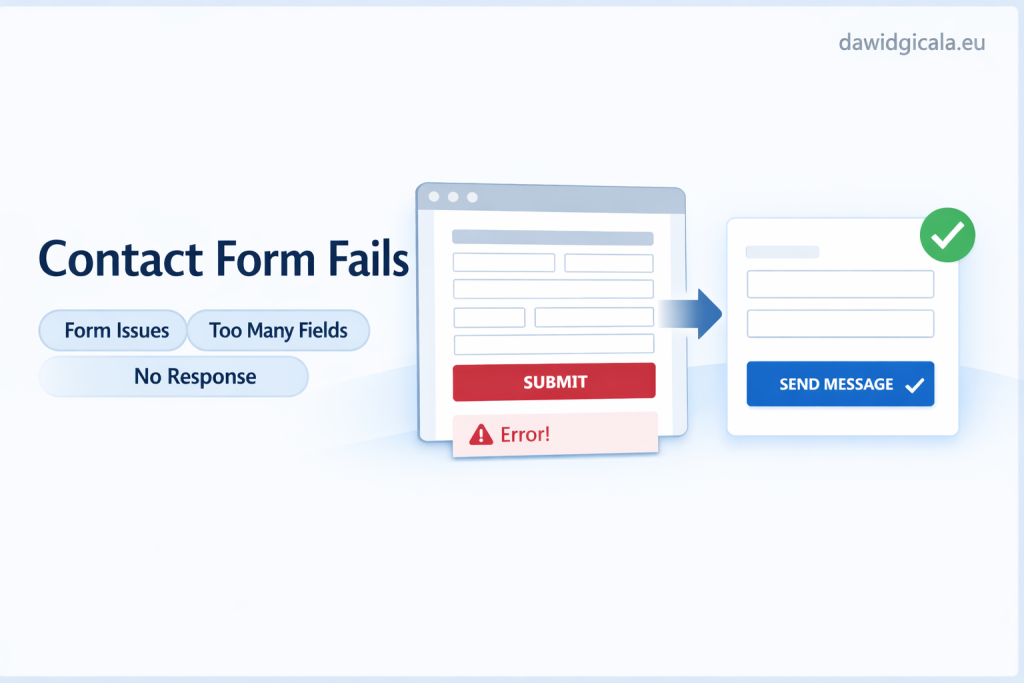
Broken links do not only block navigation. They often interrupt intent. Someone who is ready to compare services, review pricing, or send an enquiry is already partway through a decision. If the path breaks there, the website loses more than a click. It loses momentum. A user who cannot reach a booking page from a mobile button may not come back later from a desktop.
This also affects trust. When a visitor finds an old “Read more” link that leads nowhere, they may assume other parts of the site are outdated too. For a small firm, that can be enough to create doubt. For example, a consultant may have strong credentials, but if the testimonials page returns an error, the site starts to feel unfinished. A website link checker can uncover these weak points quickly, but the fix should be based on business value, not just the number of errors.
What to check before changing anything
Before fixing links one by one, check where they matter most. Start with the pages closest to enquiries: homepage, key service pages, contact page, main navigation, footer, and any page that gets regular traffic. If a broken link exists on a low-traffic archive page, that is not ideal, but it is rarely as urgent as a broken CTA on a service page. A simple scan report can look overwhelming unless you sort issues by importance.
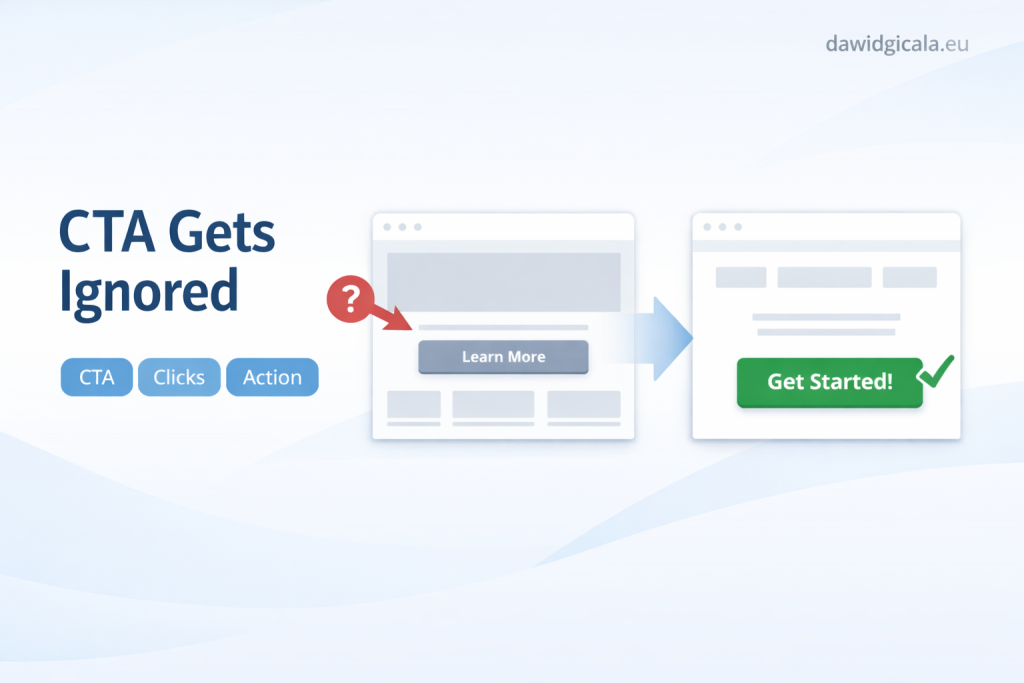
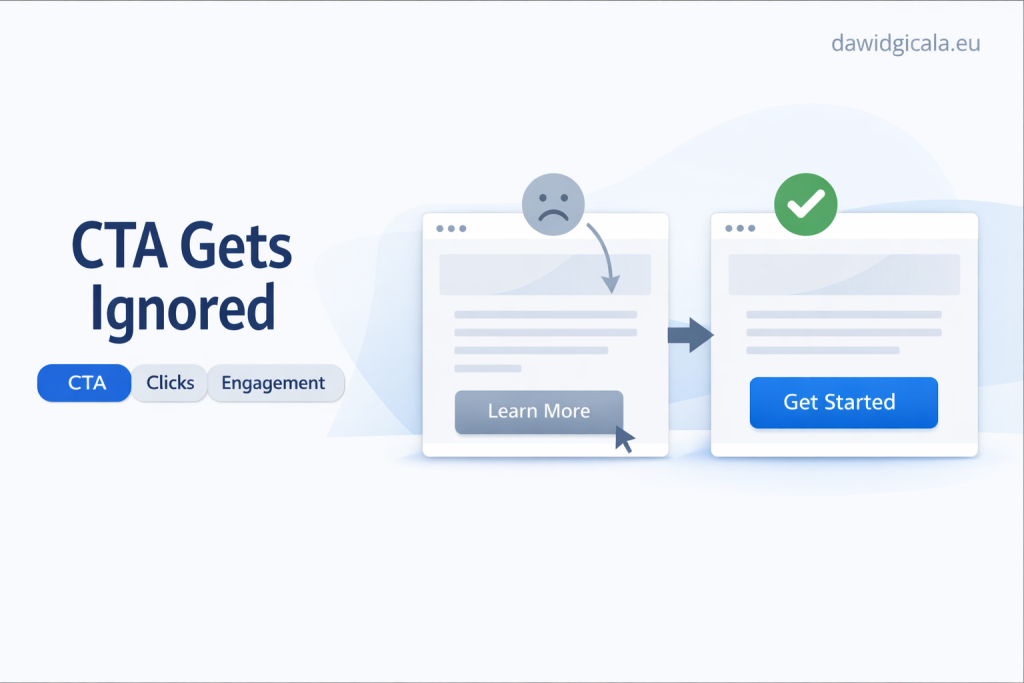
It also helps to check whether the link is truly broken, merely outdated, or just leading to the wrong destination. Those are different problems. A dead link may need a redirect or replacement. A link that works but lands on a vague general page may need a better target. For instance, if a “Request pricing” button sends people to the homepage instead of a contact section, the link technically works, but the user journey is still weak.
If the problem is not just one button or one paragraph, it may be worth looking at the whole website structure before making random changes.
What can often be improved quickly and what usually needs deeper work
Some fixes are quick and worth doing immediately. These include updating broken menu links, correcting footer links, replacing outdated internal buttons, and removing links to deleted downloads or old campaigns. If a website link checker shows obvious 404 errors on pages people use often, fix those first. These changes can improve clarity and flow without needing a redesign.
Deeper work usually starts when the links are not just broken but confused. For example, a page may contain three different buttons that all lead to different places, none of which clearly continue the service journey. Or a business site may have grown over time, leaving several overlapping pages for similar services. In that case, fixing individual links helps, but the bigger issue is content structure. The problem is not only where the links point, but whether the website has a clear next step at all.
Where the deeper cause often sits
In many cases, recurring link issues come from website changes made in pieces. A new landing page is added, an old service is removed, a plugin changes URLs, or someone edits the menu without checking supporting pages. Over time, the site becomes a mix of old paths and new paths. A website link checker will show the symptoms, but the root cause is often a lack of one consistent structure for how people should move through the site.
Another common cause is weak ownership of the website after launch. Content gets updated, but no one checks internal links as part of that process. A trades business may add new project pages every few months, yet old homepage links still point to removed gallery pages. A coach may replace a booking system but forget buttons inside older service pages. These are not unusual mistakes. They usually mean the site lacks a maintenance habit, not that the business made one dramatic error.
When link issues are really structure issues
If the same type of broken or misdirected link appears across several sections, do not treat it as random cleanup. That often means the website architecture is unclear. Pages may be competing, duplicated, or missing a proper hierarchy. In that case, checking links is still useful, but the better question becomes: what journey is the website supposed to support from first visit to enquiry?
A practical way to fix the issue without making the page more chaotic
The safest approach is to fix links in order of user importance, not in the order the tool lists them. Start with your main conversion path: homepage to service page, service page to trust content, trust content to contact, and mobile access to calling or enquiry. Then review blog posts or secondary pages that still bring traffic. For example, if a popular article links to an old offer page, update that link to the current service page rather than simply deleting it.
Avoid solving every link issue by adding more buttons, more text, or more menu items. That often makes the page harder to use. If one service page already has links to a quote form, contact page, pricing PDF, case study, and homepage, adding yet another CTA may create choice overload. A cleaner approach is usually to reduce the number of competing paths and make each one more deliberate.
Keep one next step visible
On most small business pages, the visitor does not need five options. They usually need one clear next step and one sensible alternative. A good example is a service page with a clear “Ask about this service” button and a supporting link to related work. That is often stronger than a page full of scattered links. If you want a useful reference point for this kind of practical website thinking, dawidgicala.eu follows that business-first approach.
How to prioritise the next steps and when the issue points to a wider rebuild
If you are using a website link checker and the report is long, divide issues into three groups: fix now, fix during the next content update, and review as part of larger structural work. Broken contact paths, broken service links, and mobile CTA errors belong in the first group. Outdated blog links and old media references can often wait slightly longer. Repeated link confusion across important pages usually belongs in the third group because it suggests the website journey itself needs attention.
A wider rebuild may be worth considering when fixing links starts to reveal bigger inconsistencies. For example, if several pages are outdated, multiple services overlap, trust content is buried, and key buttons point in different directions, then the link issue is only the surface layer. At that point, patching individual URLs may not be enough. It is often better to step back and decide how the site should support enquiries from the first click to the final contact action.
When a website looks fine but still does not support enquiries, guessing usually wastes time. A practical review is often a better first step.
Website link checker – Frequently Asked Questions
A website link checker can be useful, but the tool is only part of the job. The bigger question is how broken or misdirected links affect real visitors, especially people close to making contact.
How often should I run a website link checker?
For a small business website, checking after major edits, page removals, redesign work, or plugin changes is usually sensible. If the site changes often, a regular check every few months can help catch issues before they affect enquiries.
Are broken links always a serious problem?
No, not every broken link has the same impact. A dead link on an old archive page is less urgent than a broken button on a main service page or contact route. Prioritising by business importance usually works better than trying to fix everything at once.
What should I fix first if the report shows many errors?
Start with links in the main enquiry path: navigation, homepage buttons, service pages, contact links, and mobile actions such as call or message buttons. Then move to pages that still get traffic or support trust, such as testimonials, portfolio, or pricing information.
Can a working link still be a problem?
Yes. A link may technically work but still lead users to the wrong place, such as a general homepage instead of a specific service or contact section. That often creates friction even though no error page appears.
Why do link problems keep coming back on some websites?
Usually because updates happen without a clear process. Pages are renamed, moved, or removed, but related buttons, menu items, and older content are not reviewed. Repeating link issues often point to weak structure or weak maintenance habits.
Do broken internal links affect trust as well as usability?
Yes, they often do. Visitors may not describe it that way, but dead ends and outdated paths can make a website feel neglected. On a small business website, that can quietly reduce confidence even if the design still looks good.
When does a link problem suggest I need a bigger website review?
If you keep finding broken or confusing links across key pages, and those links expose unclear services, duplicate content, or weak enquiry flow, the issue is probably bigger than link cleanup. That is often the point where a structural review becomes more useful than another round of small fixes.
MY SERVICES
Choose the service that fits your project
Choose the area where you need a concrete implementation, better results or further development.
Search engine optimization
Content, landing pages, internal linking and ongoing organic visibility growth.
View SEO servicesWordPress & WooCommerce Websites
New websites and online stores, technical improvements and further development.
View website servicesGoogle Ads | Offer
Campaign setup, management and ongoing optimisation.
View Google Ads servicesSponsored posts and link building
Publications, content and external links matched to your industry and project.
View link building services